Members
Joel Starr-Avalos
Wesley Wong
Andres Guzman
Abstract
We aimed to create computer vision-based LiDAR data processing for Autonomous driving. Using the Livox Horizon LiDAR sensor to collect 3D terrestrial mapping point cloud data and processing that data to detect, identify, segment, and track highway objects, we used machine learning via Matlab’s Machine Learning and Computer Vision tools to create algorithms that allow us to track highway objects and create enviromental scenes. The Livox Lidar Stitching and Object Detection Suite is a Matlab application that takes .csv files of Point Clouds and can output stitched scenes or detect objects via a Point Pillars neural network. Files are selected via the Matlab app gui and the user can select to either stitch a scene or detect objects. Stitch Point Clouds loads point clouds into memory, reading them from the .csv and then uses a Point Cloud registration algorithm to stitch together separate point clouds into a single point cloud representing a complete scene. To Detect Objects, point clouds are read into memory from the .csv file then converted to the organized pointcloud format. The point clouds are inserted into the Point Pillars neural network comparing against ground truth data we labelled to detect objects such as signs and carswithin the point clouds, which are represented by bounding boxes in the output point clouds.
Description
Collecting data and preprocessing
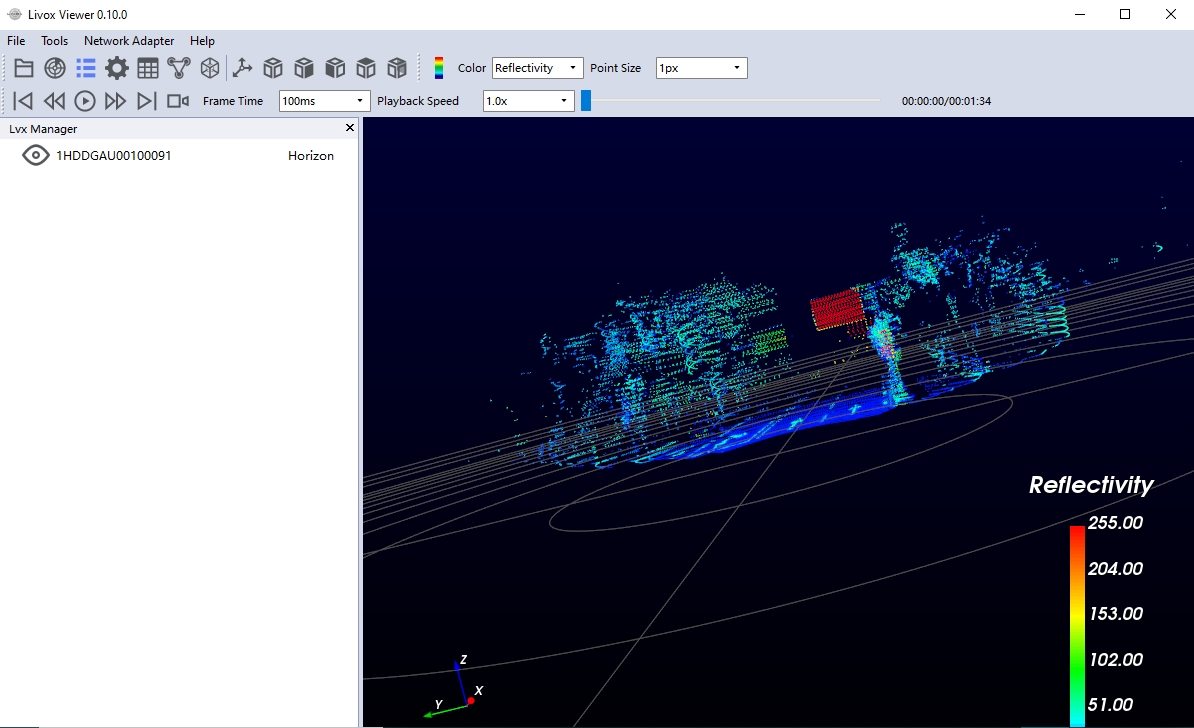
To collect data from the Livox Horizon sensor, the sensor is connected to the network and you must either use the Livox SDK or the Livox Viewer, shown here with loaded sample data, to output to an .lvx file consisting of a sequence of point clouds. The Livox Viewer is also used to convert .lvx files into .csv files which can be imported into Matlab.
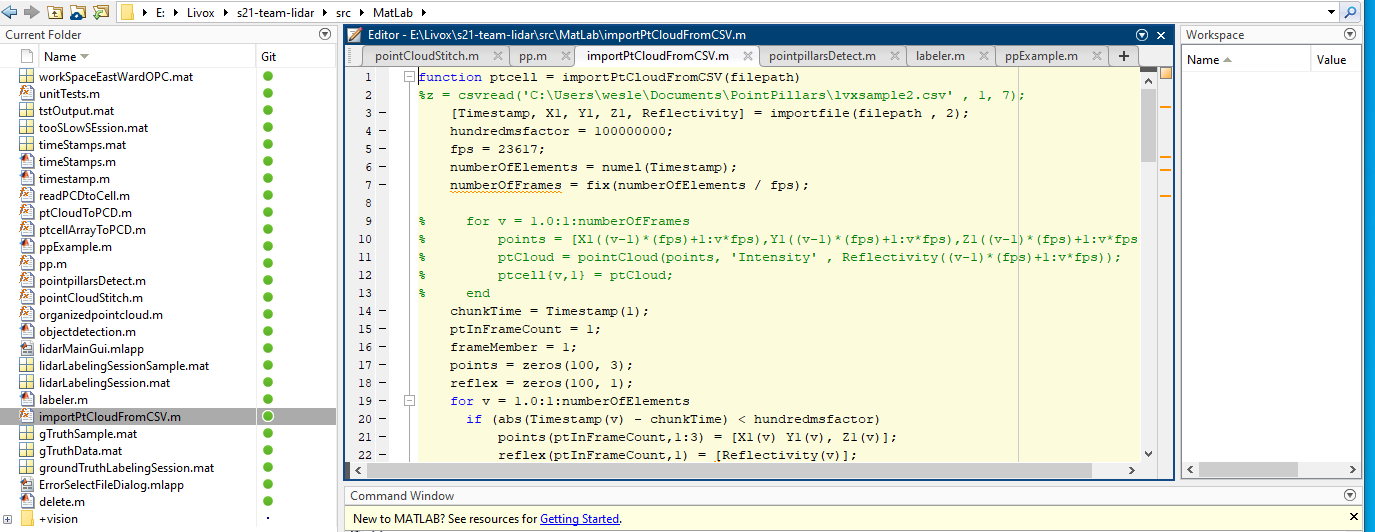
The program itself is built entirely in Matlab in order to utilize the native Point Cloud processing and rendering support as well as the built-in implementation of the Point Pillars machine learning network for object detection. Converted .csv files of point clouds are read in using the importPtCloudfromCSV.m function into a cell array of Matlab Point Cloud objects.
Once in memory they can be manipulated using a variety of built in functions for our purposes. However, most object detection algorithms require point clouds to be in the organized point cloud format. Points in an organized point clouds are arranged in a NxM grid as it would be in a 2D image.
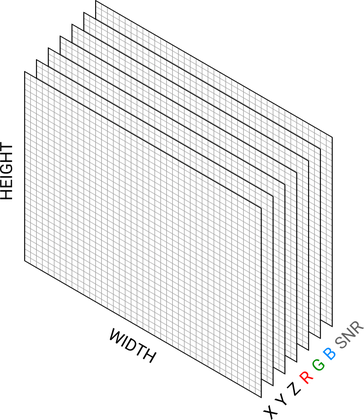
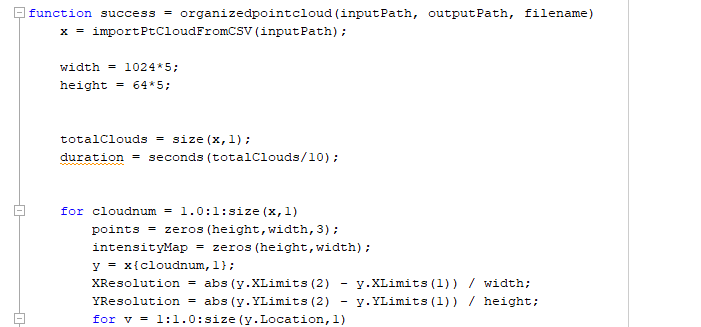
The organizedpointcloud.m function converts each point cloud in the sequence by arranging the points into 2D matrices relative to the postion to one another.
Scene Stiching
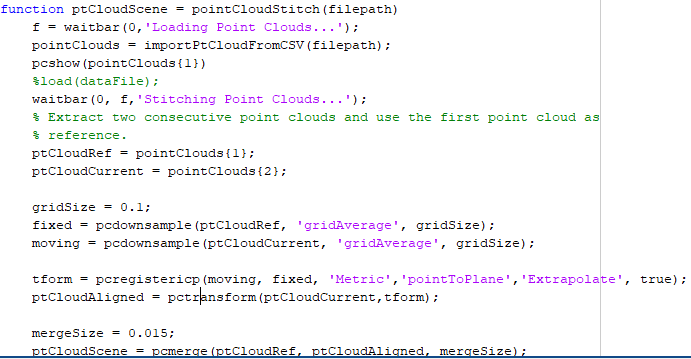
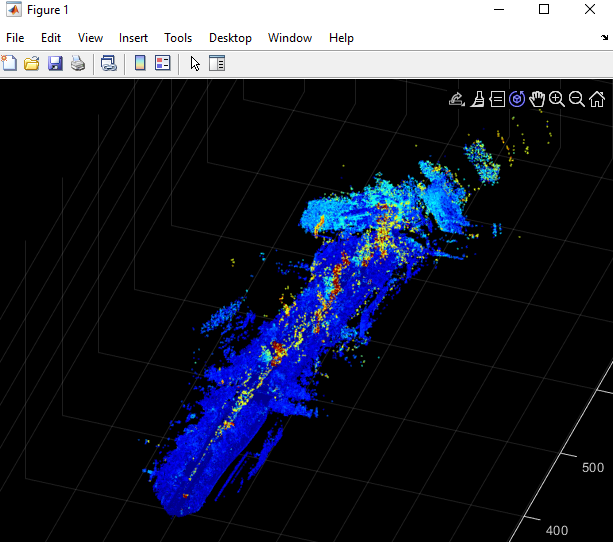
To create a complete 3d enviroment from a sequence of point clouds, each point cloud must be “stiched” or “aligned” together relative to their position to one another. Matlab’s pcregistericp uses the Iterative Closest Point algorithm to calculate the transform needed to align a point cloud. We can then translate the points in one cloud to match the fixed reference cloud then merge them together. Do this iteratively for each scene and we have a complete 3D scene.
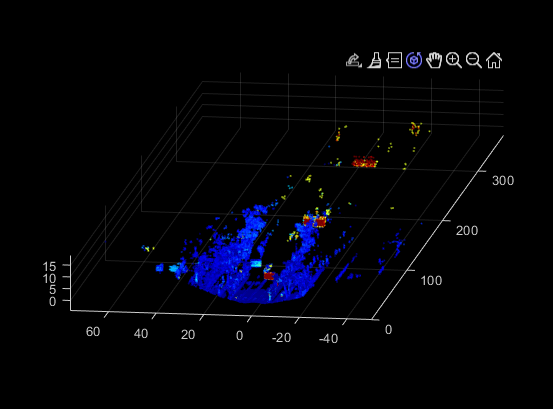
An unstitched point cloud of a road
A fully stitched point cloud sequence
Object Detection
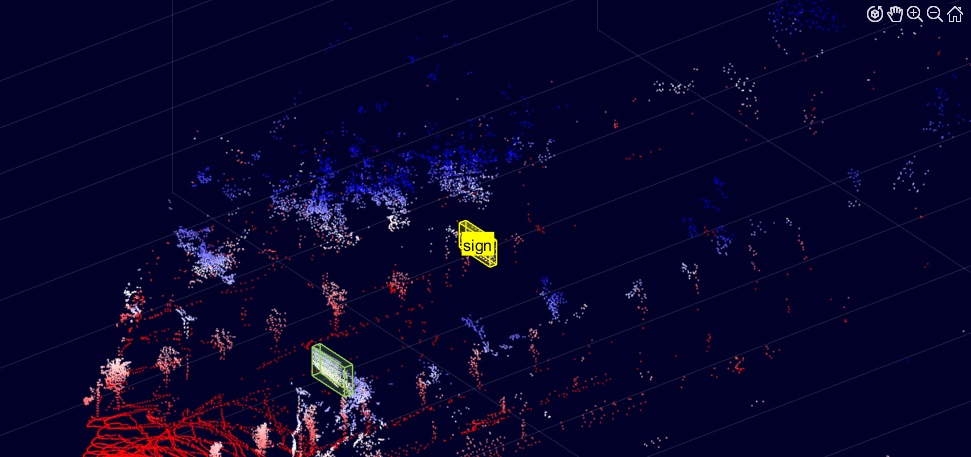
Before objects can be detected in a any sequence of point clouds, we have to label data manually for the machine learning algorithm to be trained on. This ‘ground truth data’ is labelled via the Livox Lidar Labeller. After we have extracted point clouds from .csv files, we can output each cloud to the .pcd format with matlab pcwrite function, then open a Lidar Labelling session to draw bounding boxes around objects like signs and vehicles. We can then save this data and use it for detection.
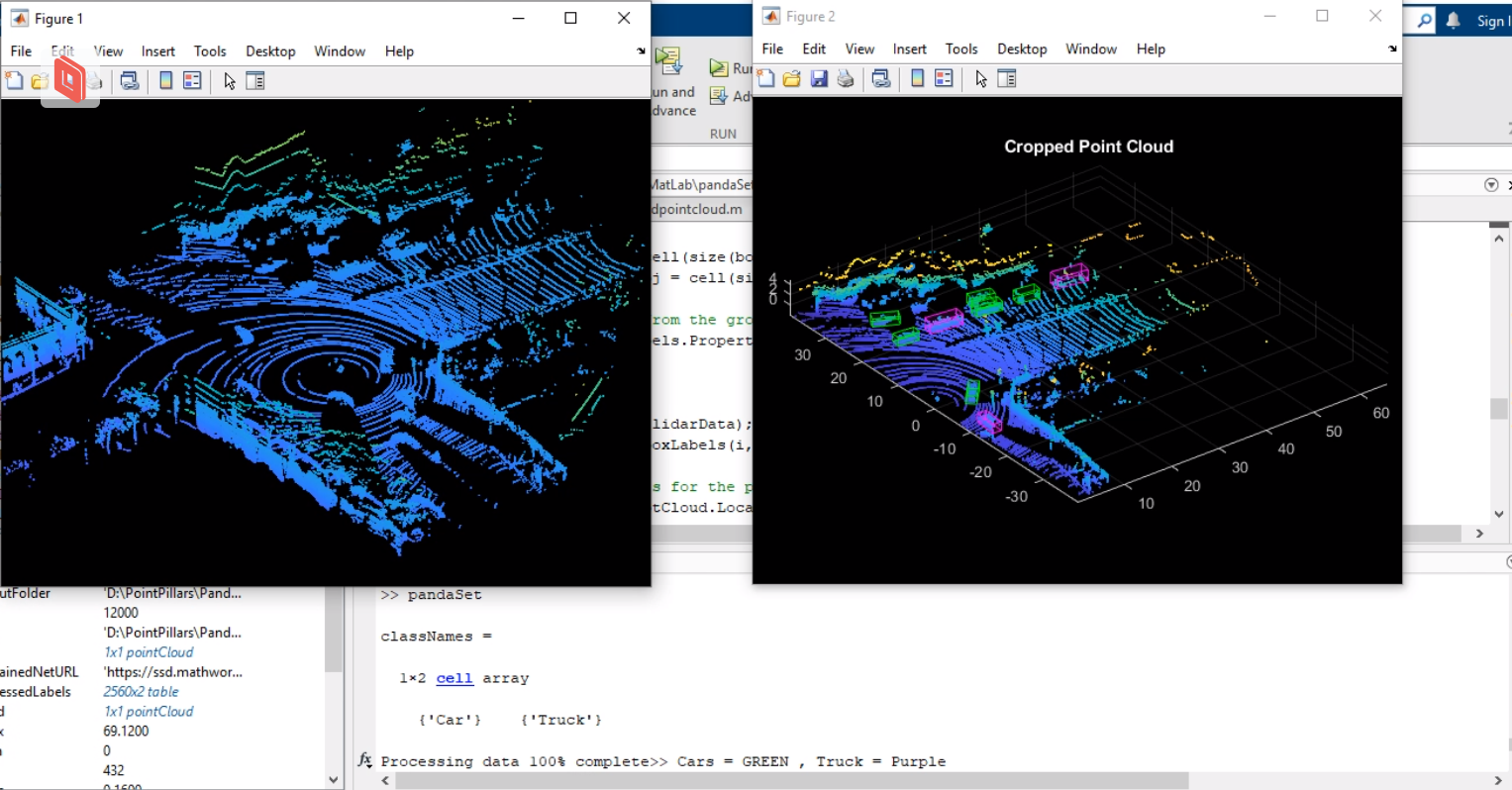
With ground truth data and organized point clouds, we can detect data. The pp function downloads the network and then preprocesses the point cloud data, creating a standard front view. It then randomizes the training data, then starts training. The Point Pillars algorithm actually converts the 3D point cloud in a 2D format with points arranged into vertical columns or “pillars”. After the configured and trained it can finally draw bounding boxes around objects it has detected.
GUI
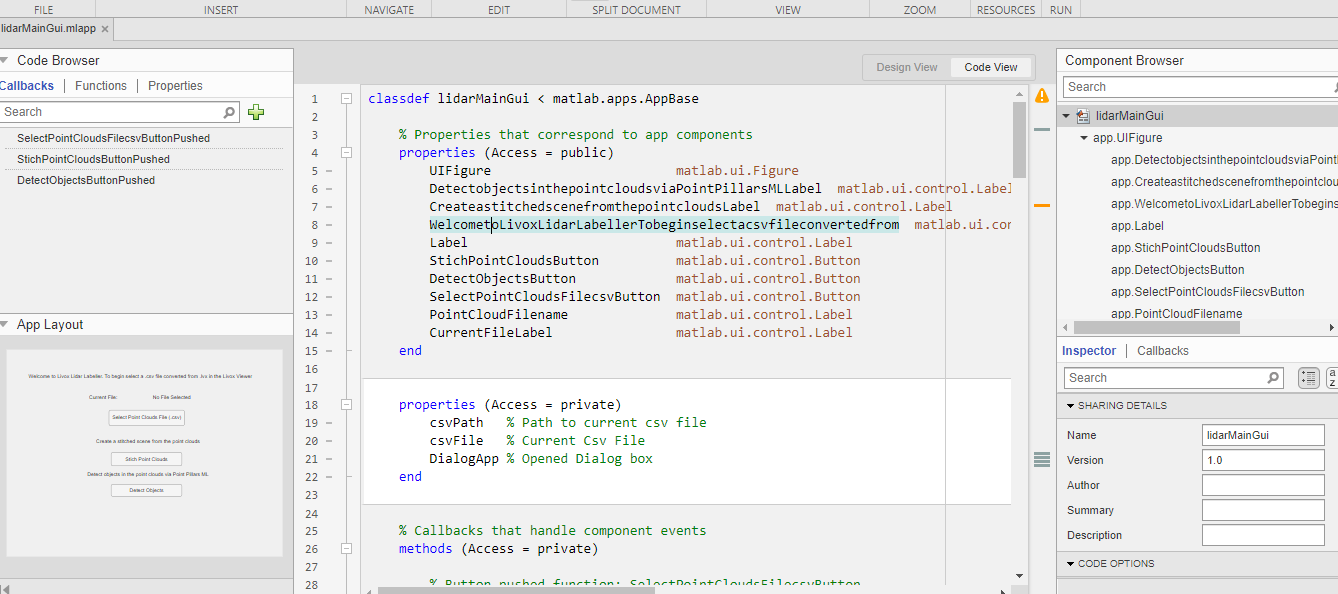
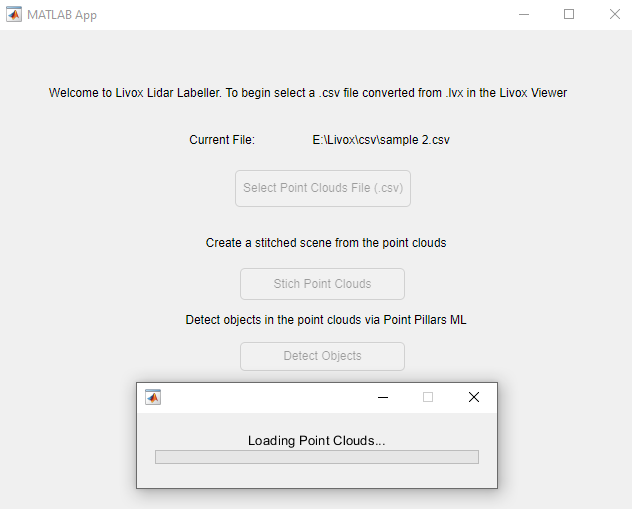
The program uses Matlab’s built in App Designer for building the GUI. As you can see it’s quite basic, just a few buttons and some dialog prompts.